Delivered either remotely or in person, our instructor-led live Looker Studio training courses provide interactive, hands-on practice. Participants learn to leverage Looker Studio to build interactive dashboards, visualize data with clarity, and produce insightful reports that empower effective decision-making.
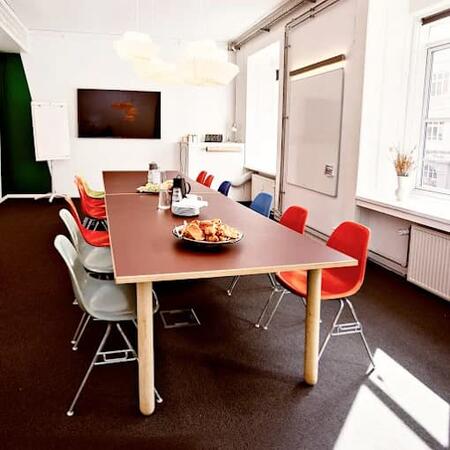
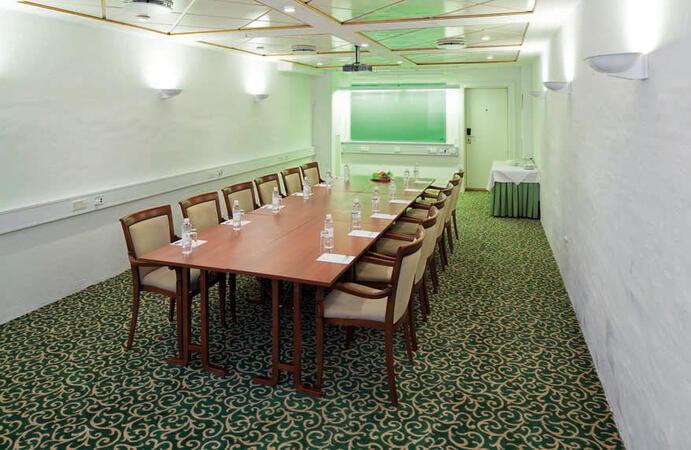
Looker Studio instruction is offered as either "online live training" or "onsite live training." Online sessions (also referred to as "remote live training") are conducted through an interactive remote desktop environment. Onsite training can take place directly at customer facilities in Copenhagen or at NobleProg’s corporate training centers in Copenhagen.
Looker Studio was previously known as Google Data Studio.
You can also take bus 26 or 7A and get off around Vesterbros Torv; from there it is a short walk.
By bus
Useful nearby stops include:
Vesterbros Torv (Vesterbrogade) — about 1 minute from the area.
Frederiksberg Allé (Vesterbrogade) — nearby.
Trommesalen (Vesterbrogade) — nearby.
Bus 26 and 7A serve the Vesterbrogade corridor.
København, Copenhagen
NobleProg København, Bredgade 37, København K, denmark, 1260
Near Amalienborg Palace & Royal Theatre.
If you arrive by train
If you arrive at Copenhagen Central Station (København H):
Walk to København H Metro.
Take the M3 or M4 metro toward Kongens Nytorv.
Get off at Kongens Nytorv.
Walk north toward Nyhavn, then continue along Bredgade.
Bredgade 37 is about 500 m / 6 minutes' walk from Kongens Nytorv.
Another easy option
Marmorkirken (Marble Church) Metro Station is also very close to Bredgade 37. The nearby Bredgade area is about 2 minutes' walk from Marmorkirken station.
By bus
There are bus stops around Dronningens Tværgade / Bredgade, so you can also travel by bus and walk the final few minutes.
This live, instructor-led training in Copenhagen (offered online or on-site) is tailored for intermediate participants aiming to perfect advanced data integration and visualization methods in Looker Studio. It focuses on linking varied data sources, constructing engaging dashboards, and streamlining reporting workflows to enhance decision-making.
By the end of the session, participants will be able to:
Link and combine multiple data sources within Looker Studio.
Formulate custom metrics and calculated fields for precise analysis.
Construct complex visualizations with interactive elements like filters and charts.
Automate reporting processes to support real-time data updates.
Apply best practices for visual storytelling and customizing reports.
This instructor-led live training, delivered either online or onsite, is designed for participants at beginner to intermediate levels seeking to build foundational skills in data visualization and reporting using Looker Studio. It emphasizes connecting data sources, visualizing information effectively, and deriving actionable insights.
By the end of the session, participants will be able to:
Comprehend the core functionalities of Looker Studio and applicable scenarios.
Set up Looker Studio and link it with various data sources.
Construct engaging dashboards using charts, graphs, and filters.
Adapt reports for specific audiences and business contexts.
Online Looker Studio training in Copenhagen, Google Data Studio training courses in Copenhagen, Weekend Looker Studio courses in Copenhagen, Evening Looker Studio training in Copenhagen, Looker Studio instructor-led in Copenhagen, Online Looker Studio training in Copenhagen, Looker Studio instructor in Copenhagen, Looker Studio on-site in Copenhagen, Google Data Studio instructor-led in Copenhagen, Looker Studio coaching in Copenhagen, Looker Studio one on one training in Copenhagen, Google Data Studio trainer in Copenhagen, Looker Studio classes in Copenhagen, Evening Looker Studio courses in Copenhagen, Looker Studio boot camp in Copenhagen, Google Data Studio private courses in Copenhagen, Weekend Google Data Studio training in Copenhagen