Whether delivered online or on-site, our instructor-led live Windows Server training courses provide interactive, hands-on practice to help you effectively set up, configure, manage, and deploy Windows Server.
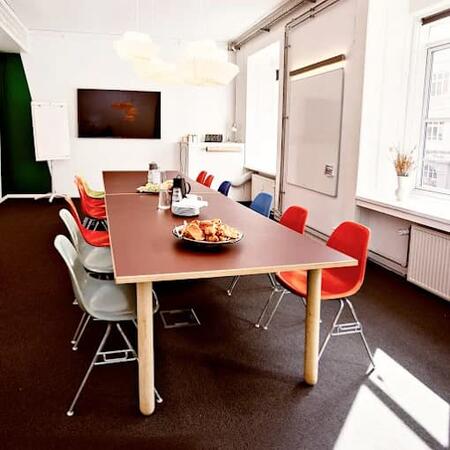
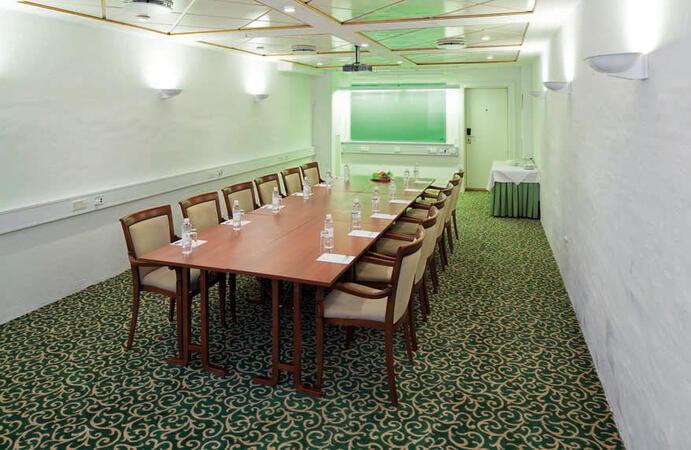
This training is offered in two formats: 'online live training' or 'onsite live training'. Online sessions (also referred to as 'remote live training') are conducted via an interactive, remote desktop connection. Onsite training can be hosted directly at your premises in Copenhagen or within NobleProg's corporate training centers in Copenhagen.
You can also take bus 26 or 7A and get off around Vesterbros Torv; from there it is a short walk.
By bus
Useful nearby stops include:
Vesterbros Torv (Vesterbrogade) — about 1 minute from the area.
Frederiksberg Allé (Vesterbrogade) — nearby.
Trommesalen (Vesterbrogade) — nearby.
Bus 26 and 7A serve the Vesterbrogade corridor.
København, Copenhagen
NobleProg København, Bredgade 37, København K, denmark, 1260
Near Amalienborg Palace & Royal Theatre.
If you arrive by train
If you arrive at Copenhagen Central Station (København H):
Walk to København H Metro.
Take the M3 or M4 metro toward Kongens Nytorv.
Get off at Kongens Nytorv.
Walk north toward Nyhavn, then continue along Bredgade.
Bredgade 37 is about 500 m / 6 minutes' walk from Kongens Nytorv.
Another easy option
Marmorkirken (Marble Church) Metro Station is also very close to Bredgade 37. The nearby Bredgade area is about 2 minutes' walk from Marmorkirken station.
By bus
There are bus stops around Dronningens Tværgade / Bredgade, so you can also travel by bus and walk the final few minutes.
This live, instructor-led course based in Copenhagen delves into the essential principles and practical application of Windows Admin Center and PowerShell for workstation administration, empowering participants to master remote management, automation, and secure system control.
This instructor-led training in Copenhagen enables IT professionals to master Windows Server 2022 administration. Participants will learn to configure AD, DNS, and DHCP, deploy Hyper-V and RDS, and apply security best practices through hands-on labs and real-world scenarios.
This live, instructor-led training, conducted in Copenhagen (either online or onsite), is designed for intermediate-level system administrators who want to learn how to install, configure, and manage Windows Server 2022 in practical, real-world environments.
Upon completion, participants will be able to:
Install and configure Windows Server 2022 on physical or virtual machines.
Deploy and manage core infrastructure services such as AD DS, DNS, and DHCP.
Implement virtualization, storage, and network services using best practices.
Secure and administer server roles including Remote Desktop, IIS, and WSUS.
This instructor-led, live training in Copenhagen (online or onsite) is designed for intermediate IT professionals seeking certification in managing and implementing Windows Server hybrid solutions.
Upon completing this training, participants will be equipped to:
Deploy, manage, and maintain Windows Server in hybrid settings, seamlessly integrating with Azure services
Implement and administer Active Directory Domain Services (AD DS), while synchronizing identities between on-premises systems and Azure Active Directory (Azure AD)
Configure Hyper-V, network features, and storage solutions within Windows Server for hybrid architectures
Manage Windows Server IaaS virtual machines in Azure, covering deployment, configuration, and scaling strategies
This instructor-led, live training in Copenhagen (delivered online or onsite) is designed for beginner to intermediate-level system administrators aiming to acquire the necessary knowledge and skills to effectively manage and maintain Windows Server 2022 in enterprise environments.
Upon completion, participants will be capable of:
Efficiently installing and configuring Windows Server 2022.
Employing various server management tools and techniques.
Configuring network services and reinforcing server security settings.
Implementing virtualization via Hyper-V for efficient resource management.
By the end of this training, participants will be able to install and configure essential services in Windows Server 2016, covering networking, user management, security, update and maintenance, PowerShell scripting, and more.
Course Format
Interactive lectures and discussions
Extensive exercises and practice sessions
Hands-on implementation in a live-lab environment
Customization Options
Please contact us to arrange customized training for this course.
Read more...
Last Updated:
Testimonials (2)
It was done at our pace, speeding through areas we know, while slowing down and giving more information where we needed.
Kevin Stanley - Chugachmiut
Course - Windows Server 2022 for System Administrators
Interactivity, the trainer was willing to help and explain in areas that were difficult. I felt like the training was really useful for me
Online Windows Server training in Copenhagen, Windows Server training courses in Copenhagen, Weekend Windows Server courses in Copenhagen, Evening Windows Server training in Copenhagen, Windows Server instructor-led in Copenhagen, Windows Server on-site in Copenhagen, Windows Server coaching in Copenhagen, Windows Server one on one training in Copenhagen, Online Windows Server training in Copenhagen, Evening Windows Server courses in Copenhagen, Windows Server private courses in Copenhagen, Weekend Windows Server training in Copenhagen, Windows Server classes in Copenhagen, Windows Server instructor in Copenhagen, Windows Server boot camp in Copenhagen, Windows Server trainer in Copenhagen, Windows Server instructor-led in Copenhagen