Through a blend of structured discussion and practical application, our instructor-led live WordPress courses—available both online and on-site—guide you through the essential processes of planning, installing, and managing a WordPress system.
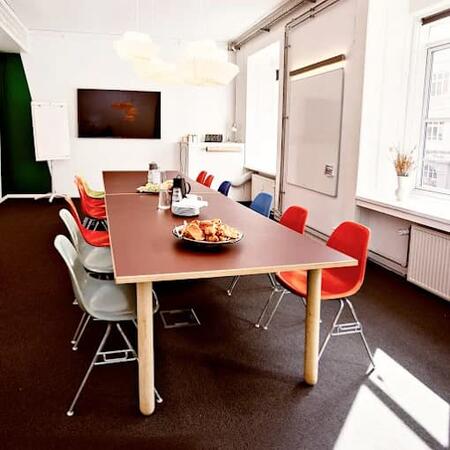
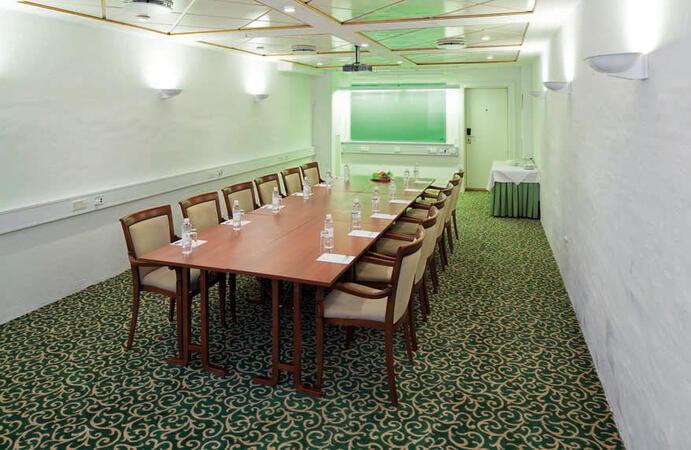
We deliver these WordPress training programmes either as "online live training" (also known as "remote live training") or as "onsite live training." The remote option is conducted via an interactive, remote desktop connection, while the on-site option can be hosted at your premises in Copenhagen or within NobleProg’s corporate training centres located in Copenhagen.
You can also take bus 26 or 7A and get off around Vesterbros Torv; from there it is a short walk.
By bus
Useful nearby stops include:
Vesterbros Torv (Vesterbrogade) — about 1 minute from the area.
Frederiksberg Allé (Vesterbrogade) — nearby.
Trommesalen (Vesterbrogade) — nearby.
Bus 26 and 7A serve the Vesterbrogade corridor.
København, Copenhagen
NobleProg København, Bredgade 37, København K, denmark, 1260
Near Amalienborg Palace & Royal Theatre.
If you arrive by train
If you arrive at Copenhagen Central Station (København H):
Walk to København H Metro.
Take the M3 or M4 metro toward Kongens Nytorv.
Get off at Kongens Nytorv.
Walk north toward Nyhavn, then continue along Bredgade.
Bredgade 37 is about 500 m / 6 minutes' walk from Kongens Nytorv.
Another easy option
Marmorkirken (Marble Church) Metro Station is also very close to Bredgade 37. The nearby Bredgade area is about 2 minutes' walk from Marmorkirken station.
By bus
There are bus stops around Dronningens Tværgade / Bredgade, so you can also travel by bus and walk the final few minutes.
This instructor-led live training in Copenhagen (delivered online or onsite) caters to beginner-level web developers, designers, and WordPress administrators who want to learn how to install, manage, and optimize WordPress sites. This empowers them to create and maintain professional, responsive websites.
By the end of the training, participants will be able to:
Understand the basics of WordPress, including its features and benefits.
Install and set up WordPress on a web server.
Enhance WordPress functionality and performance using plugins, servers, and templates.
Create and manage custom post types in WordPress.
Build WordPress sites at basic, medium, and advanced levels.
Use Elementor to design and customize WordPress sites.
Add site maps and breadcrumbs to WordPress sites.
Apply best practices for web and responsive design in WordPress.
Optimize WordPress sites for SEO and Google Analytics.
WordPress Training in Copenhagen provides non-technical users with the expertise to construct professional websites without code. You will learn about installation, content management, theme customization, and plugin setup, covering both .com and .org platforms to help you manage your site with assurance.
Online WordPress training in Copenhagen, WordPress training courses in Copenhagen, Weekend WordPress courses in Copenhagen, Evening WordPress training in Copenhagen, WordPress instructor-led in Copenhagen, WordPress trainer in Copenhagen, Online WordPress training in Copenhagen, WordPress coaching in Copenhagen, Evening WordPress courses in Copenhagen, Weekend WordPress training in Copenhagen, WordPress instructor in Copenhagen, WordPress boot camp in Copenhagen, WordPress classes in Copenhagen, WordPress on-site in Copenhagen, WordPress private courses in Copenhagen, WordPress instructor-led in Copenhagen, WordPress one on one training in Copenhagen