Whether delivered online or on-site, these instructor-led Visual Studio Code training sessions offer interactive, hands-on experience in setting up and utilizing Visual Studio Code to efficiently develop, debug, and build sample web applications.
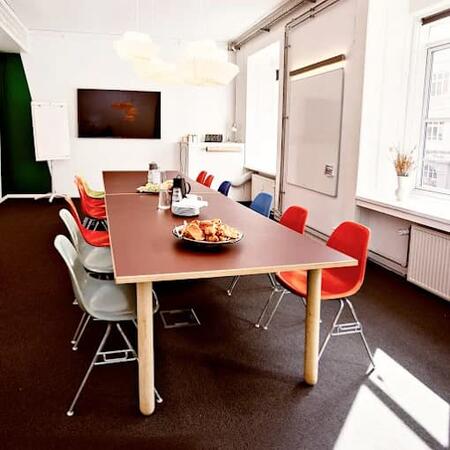
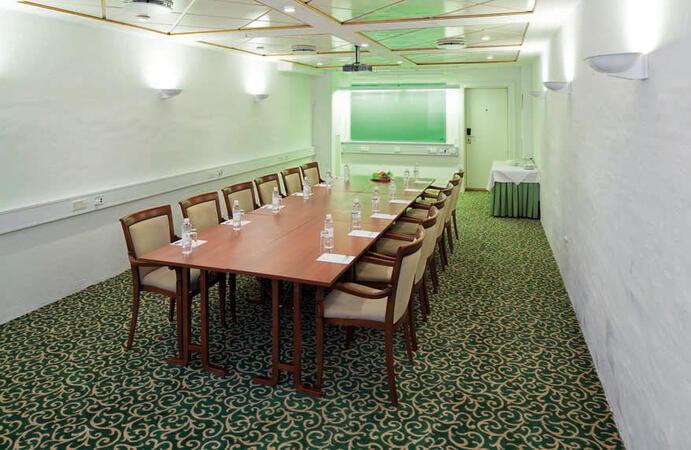
Visual Studio Code training is offered as either "online live training" or "onsite live training." The online live option (also known as "remote live training") is conducted via an interactive remote desktop. On-site live training takes place locally at client premises in Copenhagen or within NobleProg corporate training centers in Copenhagen.
You can also take bus 26 or 7A and get off around Vesterbros Torv; from there it is a short walk.
By bus
Useful nearby stops include:
Vesterbros Torv (Vesterbrogade) — about 1 minute from the area.
Frederiksberg Allé (Vesterbrogade) — nearby.
Trommesalen (Vesterbrogade) — nearby.
Bus 26 and 7A serve the Vesterbrogade corridor.
København, Copenhagen
NobleProg København, Bredgade 37, København K, denmark, 1260
Near Amalienborg Palace & Royal Theatre.
If you arrive by train
If you arrive at Copenhagen Central Station (København H):
Walk to København H Metro.
Take the M3 or M4 metro toward Kongens Nytorv.
Get off at Kongens Nytorv.
Walk north toward Nyhavn, then continue along Bredgade.
Bredgade 37 is about 500 m / 6 minutes' walk from Kongens Nytorv.
Another easy option
Marmorkirken (Marble Church) Metro Station is also very close to Bredgade 37. The nearby Bredgade area is about 2 minutes' walk from Marmorkirken station.
By bus
There are bus stops around Dronningens Tværgade / Bredgade, so you can also travel by bus and walk the final few minutes.
This live, instructor-led training in Copenhagen (available online or onsite) is tailored for developers at beginner to intermediate levels looking to refine their coding practices using VS Code.
Upon completion, participants will be able to:
Confidently navigate the VS Code interface.
Utilize workspaces in VS Code for better project organization.
Optimize their workflow through keyboard shortcuts and setting configurations.
Work with multiple programming languages within VS Code.
Read more...
Last Updated:
Testimonials (1)
I liked how Gunnar wrote pretty much all of the code on the fly as we were going through, but that there was plenty of pre-prepared material on the google drive that I can refer to after the training.
The code Gunnar wrote based on the sample data I provided beforehand was also extremely useful and also made the training relevant to our own datasets.
Online Visual Studio Code training in Copenhagen, Visual Studio Code training courses in Copenhagen, Weekend Visual Studio Code courses in Copenhagen, Evening Visual Studio Code training in Copenhagen, Visual Studio Code instructor-led in Copenhagen, Visual Studio Code instructor-led in Copenhagen, Weekend Visual Studio Code training in Copenhagen, Visual Studio Code coaching in Copenhagen, Visual Studio Code boot camp in Copenhagen, Visual Studio Code instructor in Copenhagen, Visual Studio Code classes in Copenhagen, Evening Visual Studio Code courses in Copenhagen, Visual Studio Code on-site in Copenhagen, Online Visual Studio Code training in Copenhagen, Visual Studio Code private courses in Copenhagen, Visual Studio Code trainer in Copenhagen, Visual Studio Code one on one training in Copenhagen