Whether delivered remotely or in person, our instructor-led Google Sheets training sessions feature interactive, hands-on exercises that demonstrate how to effectively format and analyze data.
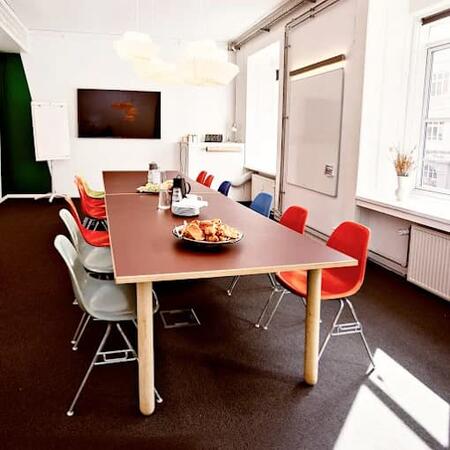
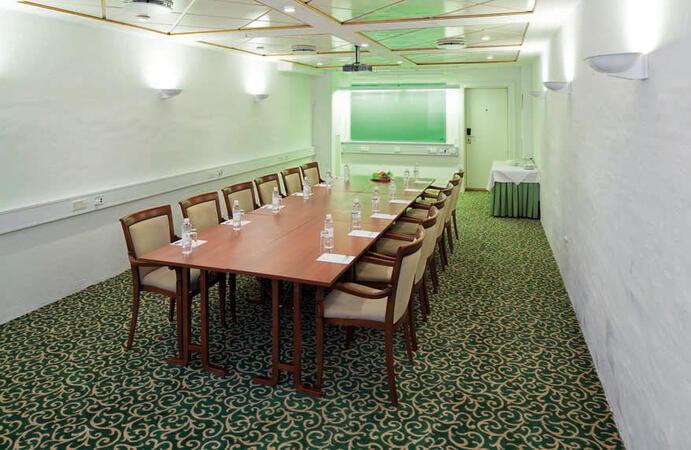
We offer this training in two formats: "online live training" and "onsite live training." Online sessions, also known as "remote live training," are conducted via an interactive remote desktop. Onsite training is available either directly at your customer premises in Copenhagen or at NobleProg’s corporate training centers located in Copenhagen.
You can also take bus 26 or 7A and get off around Vesterbros Torv; from there it is a short walk.
By bus
Useful nearby stops include:
Vesterbros Torv (Vesterbrogade) — about 1 minute from the area.
Frederiksberg Allé (Vesterbrogade) — nearby.
Trommesalen (Vesterbrogade) — nearby.
Bus 26 and 7A serve the Vesterbrogade corridor.
København, Copenhagen
NobleProg København, Bredgade 37, København K, denmark, 1260
Near Amalienborg Palace & Royal Theatre.
If you arrive by train
If you arrive at Copenhagen Central Station (København H):
Walk to København H Metro.
Take the M3 or M4 metro toward Kongens Nytorv.
Get off at Kongens Nytorv.
Walk north toward Nyhavn, then continue along Bredgade.
Bredgade 37 is about 500 m / 6 minutes' walk from Kongens Nytorv.
Another easy option
Marmorkirken (Marble Church) Metro Station is also very close to Bredgade 37. The nearby Bredgade area is about 2 minutes' walk from Marmorkirken station.
By bus
There are bus stops around Dronningens Tværgade / Bredgade, so you can also travel by bus and walk the final few minutes.
This instructor-led live training in Copenhagen empowers professionals to achieve proficiency in Google Sheets for efficient data administration and seamless collaboration. Learners will gain the ability to structure data, execute advanced formulas, and construct dashboards to boost productivity and optimize reporting processes.
This live, instructor-led training in Copenhagen, offered online or on-site, targets professionals from beginner to intermediate levels. It is tailored for those looking to enhance their productivity and efficiency by harnessing the advanced features of Excel and Google Sheets for data organization, analysis, and collaboration.
Upon completion, participants will be able to:
Master the navigation and utilization of core features in Excel and Google Sheets.
Execute data analysis and generate actionable insights via advanced spreadsheet methods.
Engage in real-time collaboration using Google Sheets to streamline teamwork.
Design reusable templates for effective reporting, tracking, and project management.
This instructor-led, live training conducted in Copenhagen (either online or onsite) is specifically designed for data analysts aiming to utilize Google Sheets for data analysis.
By the conclusion of this training, participants will have the ability to:
Build spreadsheets using Google Sheets.
Utilize formulas that function in both Google Sheets and Excel.
Format and analyze diverse datasets.
Generate data visualizations through charts and graphs.
Read more...
Last Updated:
Testimonials (1)
Everything! This will be very helpful with my role.
Alyssa Feliciano-O'Brien - BookPage
Course - Google Sheets for Efficient Data Management and Collaboration
Online Google Sheets training in Copenhagen, Google Sheets training courses in Copenhagen, Weekend Google Sheets courses in Copenhagen, Evening Google Sheets training in Copenhagen, Google Sheets instructor-led in Copenhagen, Online Google Sheets training in Copenhagen, Google Sheets instructor-led in Copenhagen, Google Sheets coaching in Copenhagen, Google Sheets one on one training in Copenhagen, Weekend Google Sheets training in Copenhagen, Google Sheets classes in Copenhagen, Evening Google Sheets courses in Copenhagen, Google Sheets private courses in Copenhagen, Google Sheets boot camp in Copenhagen, Google Sheets instructor in Copenhagen, Google Sheets on-site in Copenhagen, Google Sheets trainer in Copenhagen