Whether online or onsite, our instructor-led live ClickUp training courses utilize interactive, hands-on practice to demonstrate how to leverage ClickUp for streamlining project management, enhancing team collaboration, and optimizing workflows to drive greater productivity.
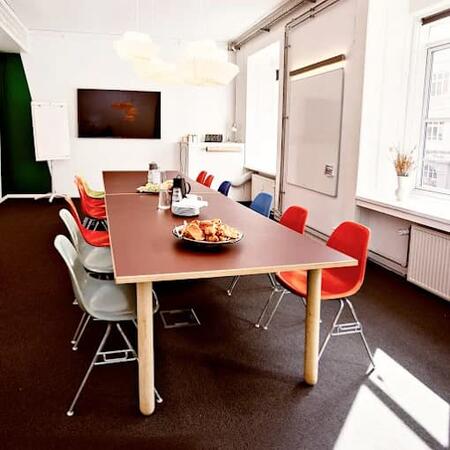
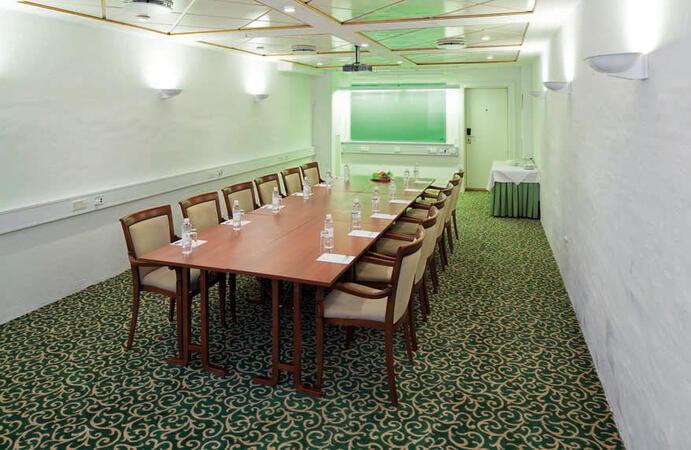
ClickUp training is offered in two formats: "online live training" or "onsite live training". Online live training, also known as "remote live training", is delivered through an interactive remote desktop. Onsite live training can be conducted locally at customer premises in Copenhagen or within NobleProg's corporate training centers in Copenhagen.
You can also take bus 26 or 7A and get off around Vesterbros Torv; from there it is a short walk.
By bus
Useful nearby stops include:
Vesterbros Torv (Vesterbrogade) — about 1 minute from the area.
Frederiksberg Allé (Vesterbrogade) — nearby.
Trommesalen (Vesterbrogade) — nearby.
Bus 26 and 7A serve the Vesterbrogade corridor.
København, Copenhagen
NobleProg København, Bredgade 37, København K, denmark, 1260
Near Amalienborg Palace & Royal Theatre.
If you arrive by train
If you arrive at Copenhagen Central Station (København H):
Walk to København H Metro.
Take the M3 or M4 metro toward Kongens Nytorv.
Get off at Kongens Nytorv.
Walk north toward Nyhavn, then continue along Bredgade.
Bredgade 37 is about 500 m / 6 minutes' walk from Kongens Nytorv.
Another easy option
Marmorkirken (Marble Church) Metro Station is also very close to Bredgade 37. The nearby Bredgade area is about 2 minutes' walk from Marmorkirken station.
By bus
There are bus stops around Dronningens Tværgade / Bredgade, so you can also travel by bus and walk the final few minutes.
This instructor-led, live training in Copenhagen (online or onsite) is aimed at advanced-level professionals who wish to master ClickUp's reporting and dashboard features to drive data-driven decision-making and optimize workflows.
By the end of this training, participants will be able to:
Create and customize advanced dashboards in ClickUp.
Use ClickUp's reporting tools to track key performance indicators (KPIs).
Automate data collection and visualization.
Integrate external data sources for comprehensive analytics.
Optimize dashboards for team collaboration and executive reporting.
This live, instructor-led course in Copenhagen (available online or onsite) is tailored for advanced professionals looking to customize ClickUp for their business operations, boost process efficiency, and implement automation for scalable workflows.
By the conclusion of this training, participants will be equipped to:
Modify ClickUp’s workspaces, views, and templates to suit business operations.
Construct and enhance workflows for effective process management.
Deploy advanced automation for routine tasks.
Link ClickUp with various business tools and data sources.
Supervise and assess process efficiency using ClickUp reporting.
This live, instructor-led training, held in Copenhagen (online or onsite), is tailored for advanced professionals seeking to utilize ClickUp for overseeing large-scale projects, facilitating cross-functional collaboration, and improving enterprise-wide efficiency.
By the conclusion of this program, participants will be proficient in:
Implementing ClickUp at an enterprise level while adhering to best practices.
Structuring workspaces, spaces, and projects to support large team dynamics.
Leveraging advanced reporting and dashboards to deliver executive-level insights.
Automating workflows and integrating ClickUp with broader enterprise systems.
Enhancing governance, compliance, and security protocols within ClickUp.
This live, instructor-led training in Copenhagen (delivered online or onsite) is designed for intermediate-level professionals seeking to elevate workflow efficiency by utilizing ClickUp’s automation and integration capabilities.
By the conclusion of this training, participants will be capable of:
Understanding the extent of ClickUp’s automation features and their relevant use cases.
Developing and managing automations to optimize workflow operations.
Linking ClickUp with third-party platforms including Slack, Google Drive, and Zapier.
Implementing triggers, conditions, and actions to automate task management.
Improving team collaboration by leveraging automation and integrations.
This live, instructor-led training, available in Copenhagen either online or onsite, is designed for intermediate-level professionals seeking to apply Agile project management principles using ClickUp’s features.
Upon completion, participants will be able to:
Configure and set up ClickUp for Agile project management.
Effectively manage sprints, backlogs, and epics.
Utilize ClickUp’s Kanban, List, and Timeline views for Agile workflows.
Monitor team velocity, burndown charts, and performance metrics.
Automate Agile processes to enhance efficiency.
Integrate ClickUp with other Agile development tools.
This live, instructor-led session, delivered in Copenhagen either online or on-site, is tailored for intermediate-level professionals looking to elevate team collaboration by leveraging ClickUp’s advanced functionalities.
By the conclusion of this training, participants will be able to:
Establish and manage collaborative environments for their teams.
Leverage advanced task management tools within ClickUp to facilitate coordination.
Enhance team communication by utilizing ClickUp’s integrated features.
Track team performance using ClickUp’s reporting and dashboard capabilities.
Streamline team processes through the implementation of automated workflows.
Integrate ClickUp with various other collaboration platforms.
This live, instructor-led training, conducted in Copenhagen (either online or onsite), is designed for entry-level professionals eager to acquire the essential skills of ClickUp for task and project management, as well as improving personal productivity.
By the conclusion of this training, participants will be equipped to:
Navigate the ClickUp interface and comprehend its workspace structure.
Create and manage tasks, lists, and projects with efficiency.
Utilize views such as List, Board, and Calendar to improve organization.
Apply productivity tools like priorities, tags, and custom statuses.
Collaborate effectively using comments, mentions, and shared workspaces.
Set up personal productivity workflows to handle daily responsibilities.
Online ClickUp training in Copenhagen, ClickUp training courses in Copenhagen, Weekend ClickUp courses in Copenhagen, Evening ClickUp training in Copenhagen, ClickUp instructor-led in Copenhagen, ClickUp private courses in Copenhagen, ClickUp boot camp in Copenhagen, Evening ClickUp courses in Copenhagen, Online ClickUp training in Copenhagen, ClickUp on-site in Copenhagen, Weekend ClickUp training in Copenhagen, ClickUp instructor in Copenhagen, ClickUp one on one training in Copenhagen, ClickUp trainer in Copenhagen, ClickUp instructor-led in Copenhagen, ClickUp classes in Copenhagen, ClickUp coaching in Copenhagen